
Layout Editing in JAMS
If the Journal's staff are handling Layout Editing themselves, this article details the process within JAMS.
Alternatively, Layout Editing can be completed by JAMS Production Staff. Visit here to learn more or contact support@jams.pub.
Layout Editing Using Your Own Editors
After a paper has been accepted, the editor can switch to the 'Finalize Manuscript tab' to begin the Production Process.
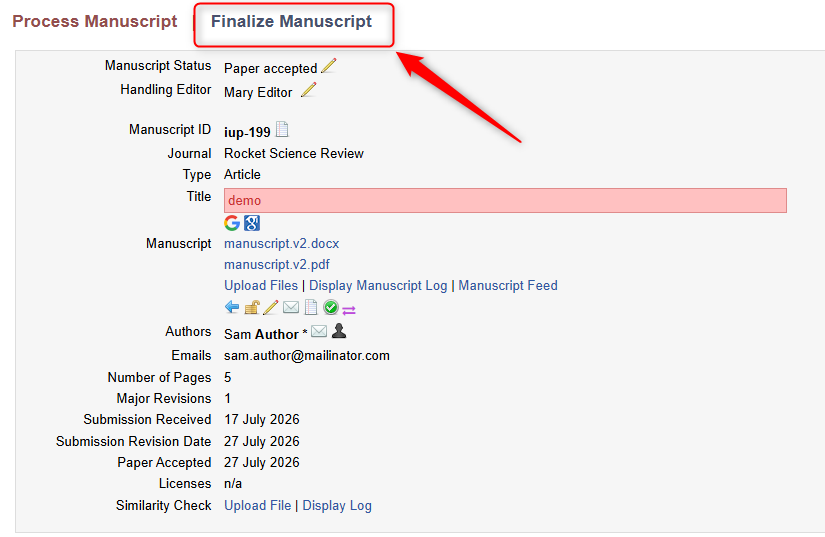
If the Billing Module has been activated, the editor will be prompted to create the Invoice for the Author.
After, the system will prompt the editor to send the manuscript to layout editing. When sending a paper to layout, an email notification is send out to the Layout mailbox entered in the platform’s website settings.
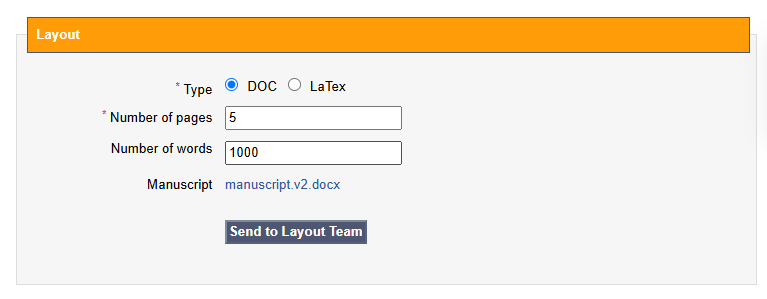
By clicking the link provided in the email, the Layout manager is able to access the paper and assign it to a layout editor for editing.
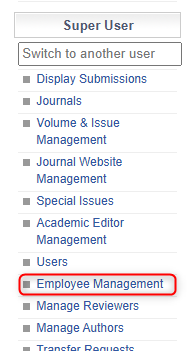
Users' permissions can be updated to encompass Layout Manager/Editor in the 'Employee Management' section here:
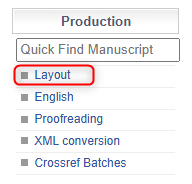
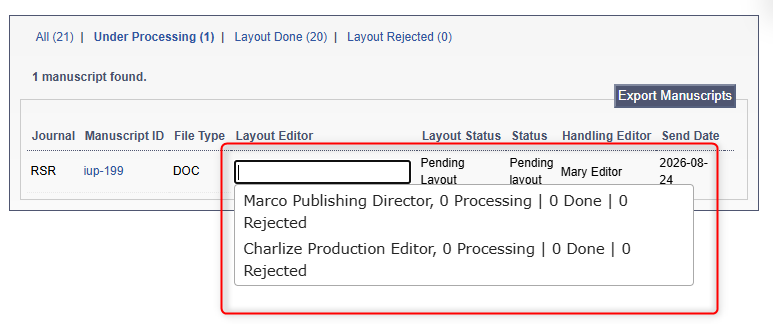
The Layout Manager can assign a Layout Editor to the manuscript by navigating to the Layout Menu here:
From there, the Layout Manager can assign a Layout Editor:
Once the layout editing is completed, the Layout Editor can upload the finished file:
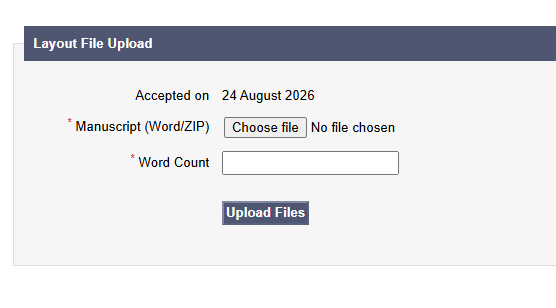
Then, the system will move the manuscript into the Language Editing stage.