
XML Conversion in JAMS
If the Journal's staff are handling XML Conversion themselves, this article details the process within JAMS.
Alternatively, XML Conversion can be completed by JAMS Production Staff. Visit here to learn more or contact support@jams.pub.
XML Conversion with your own staff
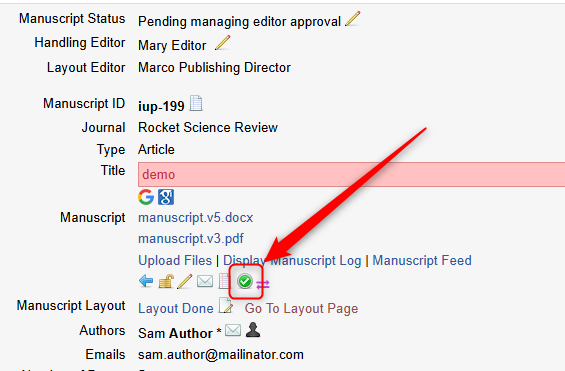
After Author Proofreading has been completed, the Handling Editor s prompted to confirm the date of last revision and fill in all mandatory article metadata before sending to Conversion. The article metadata can be updated here:
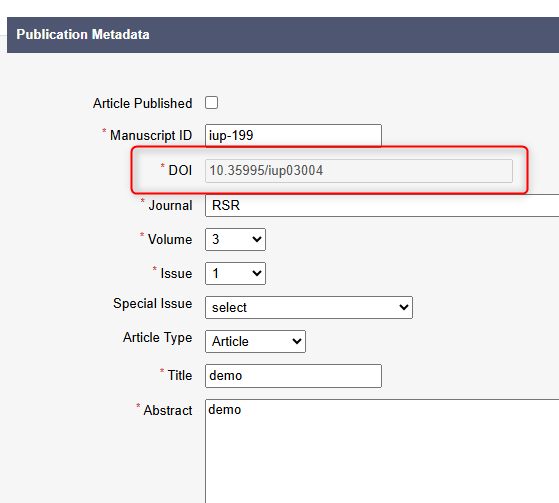
Once the metadata is submitted, the DOI will be generated:
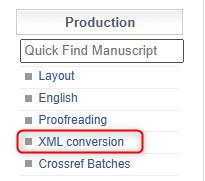
After this, the Editor can send the paper to Conversion. This step triggers a notification to the Conversion mailbox after which the conversion manager can assign the paper to a conversion editor. The Conversion Staff can be created in 'Employee Management'.
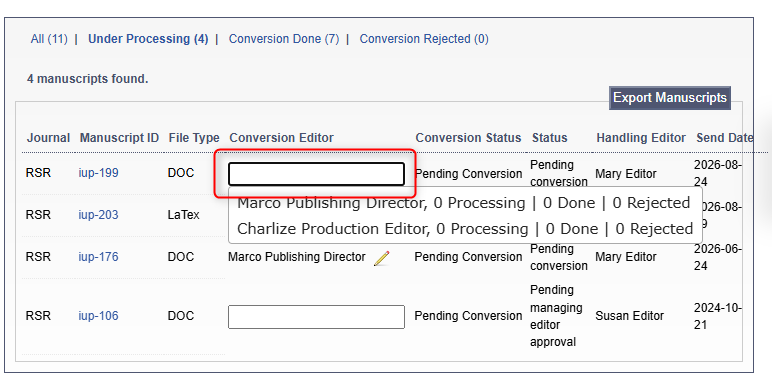
Here the Conversion Manager assigns the Conversion Editor:
From here, the Conversion Editor can upload the finished Manuscript ZIP File and XML:
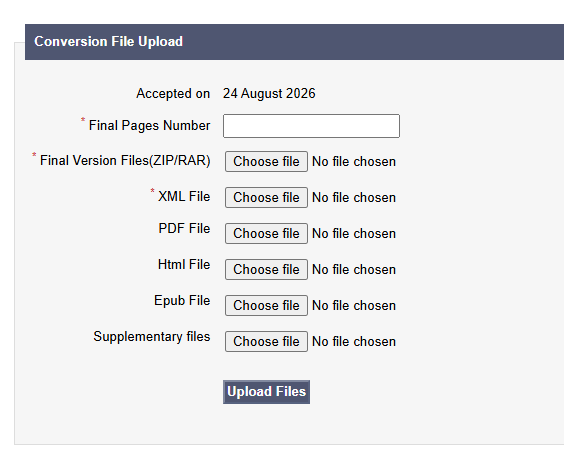
Once the conversion editor completes preparation of final manuscript files (XML and PDF), they reupload the files to JAMS and the status of the paper automatically changes to Pending Online. At this stage, the Publisher can go ahead and publish a paper or request a re-conversion of the paper in case updates are needed.