Handling Submissions
When an author submits a manuscript, the Journal Editor will be notified of the new submission. Journal Editors are responsible for assigning a Handling Editor to this new submission. It can be themselves or any user with the Handling Editor permissions. For information on how to assign these roles, see here.
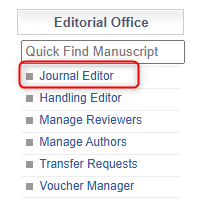
The Journal Editor can head to the Journal Editor Menu.
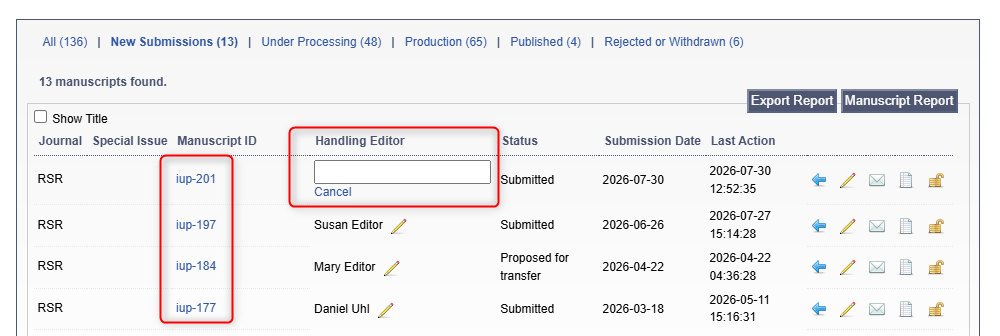
Here, they will see an overview of all manuscripts in their Journal. This includes any New Submissions.
To assign a Handling Editor, the JE can either click the blank box and choose a name or click the manuscript ID and assign a HE through the manuscript page.
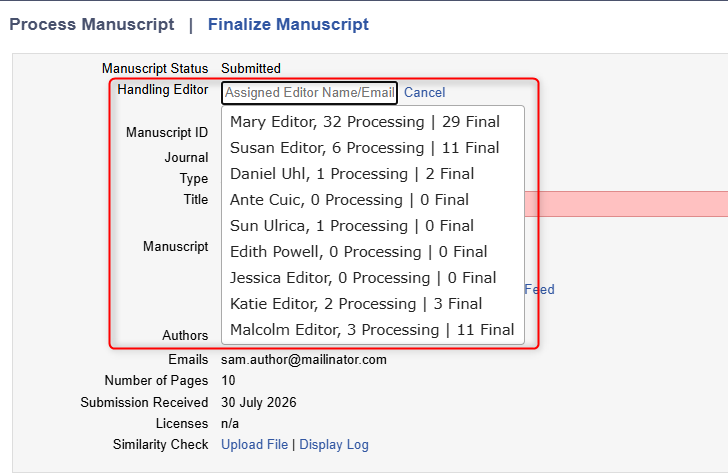
The HE that is assigned will be notified of the manuscript so they can begin working on it.
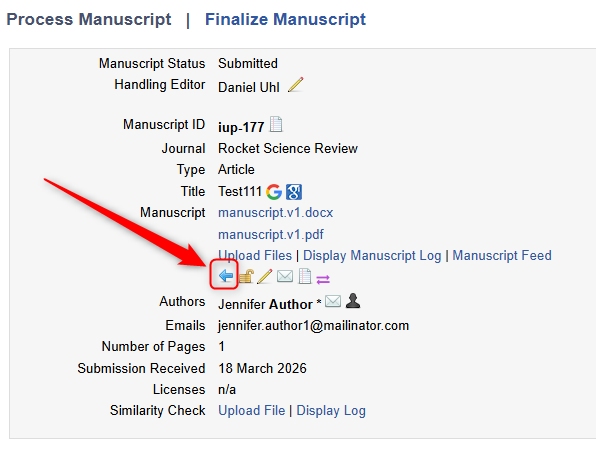
The JE can also reject the manuscript straight away by clicking the blue arrow here: