
Registration reCAPTCHA Issues
reCAPTCHA is a Google service that helps distinguish legitimate users from automated bots in order to protect websites from malicious activity. reCAPTCHA will ask you to confirm that ‘I’m not a robot’.
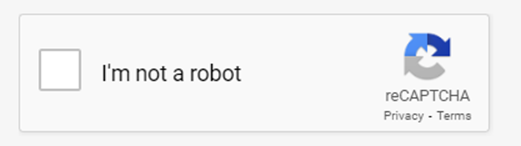
If reCAPTCHA is not working for you, this may be because you are using an old version of the web browser or a VPN or proxy server is interfering with reCAPTCHA. If you are encountering issues with this service, we recommend undertaking the following steps:
- Trying a different browser (Chrome, Firefox, Edge, Safari, etc).
- Clearing your browser cache. https://helpcenter.trendmicro.com/en-us/article/tmka-20816
- Updating your web browser to the latest version.
If reCAPTCHA is still not working on any browser, try:
- Disabling your VPN, Proxy Service, and browser extensions.
- Checking for malware on your PC.
- Creating a new browser profile.
- Resetting your IP address.
If none of these solutions work, please contact us at support@jams.pub to report the issue.