Journal-specific Terms and Conditions
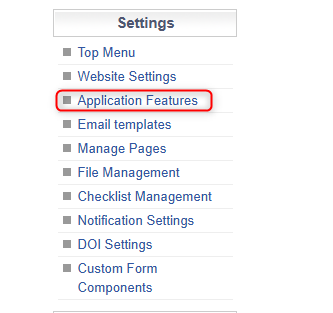
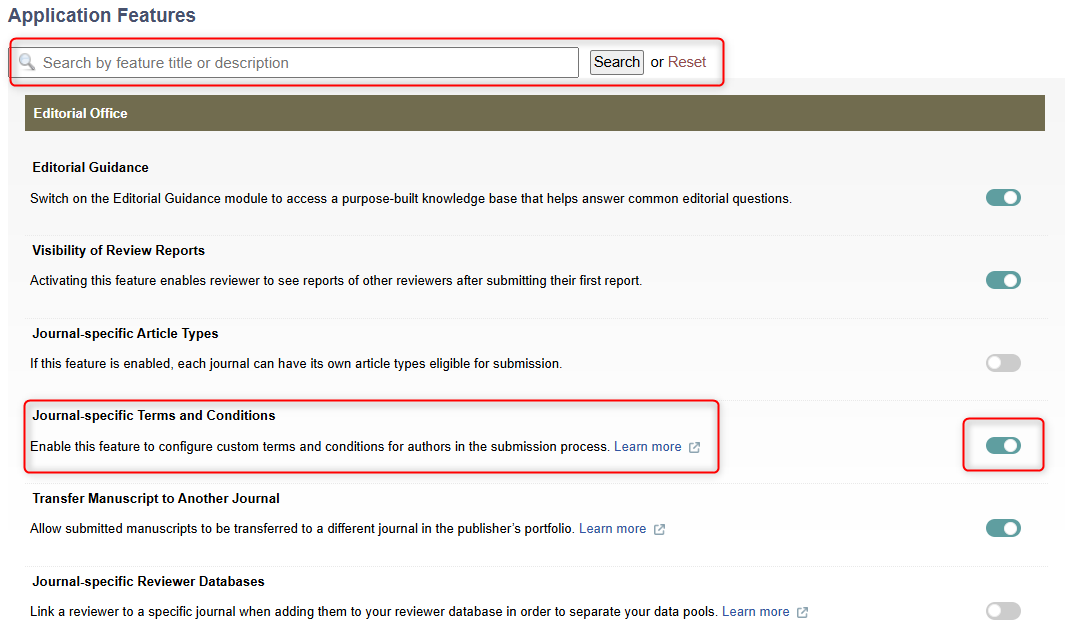
To set Terms and Conditions on a Journal by Journal basis, users must enable the Custom Terms and Conditions features in the Application Features page.
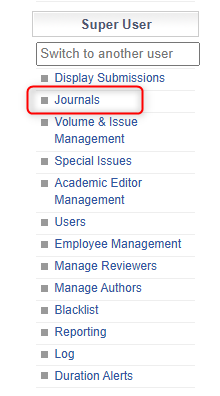
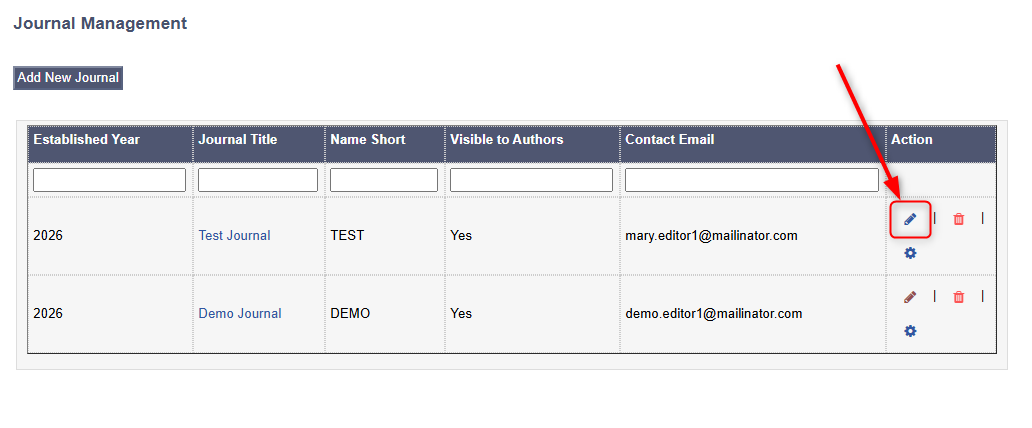
Then, once this has been enabled, users should head to the Journals Tab.
Then, the user can select a journal by clicking the pencil icon.
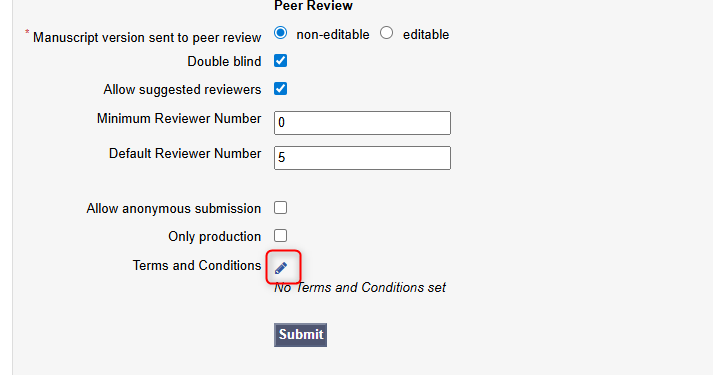
Then, users can scroll to the bottom of the page and click the pencil icon next to the Terms and Conditions option to customise them.